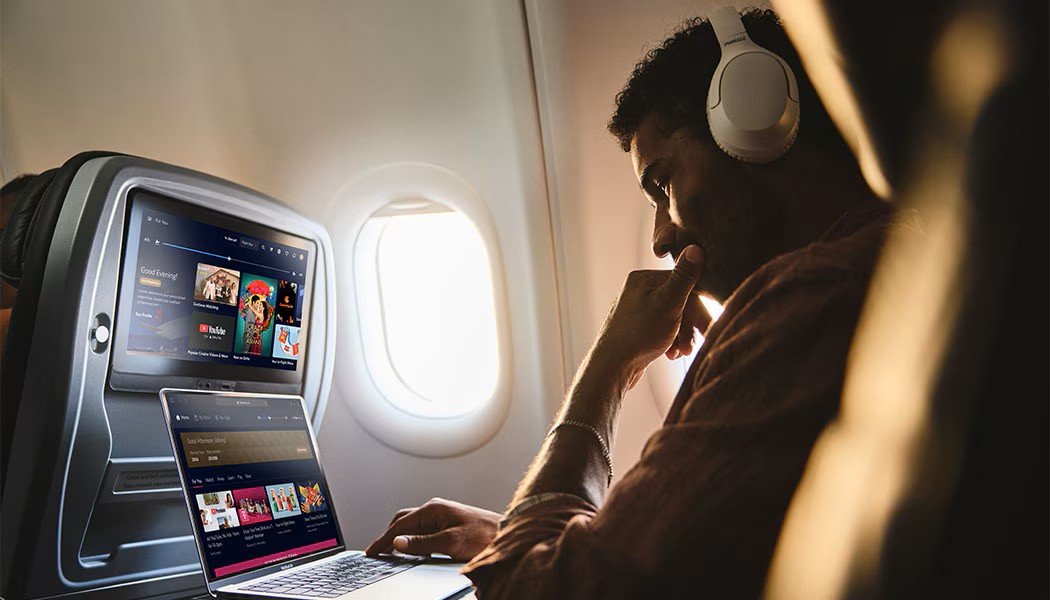
Flying used to mean going offline for hours. However, this is no longer the case on most Delta flights. Today, Delta Airlines Wifi lets you check email, scroll social media, and stream shows from the gate to landing.
Yes, and the best part is that most travelers can use it for free. You only need a SkyMiles account, and joining costs nothing.
Not sure how Delta Wi-Fi works? This Travelobliss guide makes it simple. You will learn how to get delta Wi-Fi online in a few easy steps and what you may need to pay. If the Wi-Fi will not load, you will find quick fixes here too. Plus, we answer the most common questions about lounge Wi-Fi passwords.
What is Delta Wi-Fi?
Delta Wi-Fi is the internet service available on Delta flights. It is known as Delta Sync Wi-Fi, powered by T-Mobile.
- Free for SkyMiles members.
- Available on more than 95% of Delta planes.
- Works on domestic and international flights.
- Lets you connect several devices at once.
- Fast enough to stream music and video.
Delta Airlines Wifi uses Viasat and Hughes satellites. A few older regional jets still run on Intelsat’s paid Wi-Fi Onboard system.
What You Cannot Do on Delta Wi-Fi
- Make voice calls
- Make video calls on apps like FaceTime, Zoom, or WhatsApp
You can still message, browse, and stream.
How Do I Connect to Delta Wi-Fi?
Getting online is easy and quick. You can usually connect once the aircraft door closes.
Steps to Get Wi-Fi on a Delta Flight
Turn on Airplane Mode. Do this on your phone, tablet, or laptop.
- Switch on Wi-Fi. Open your device settings and turn Wi-Fi back on.
- Pick the network. Select DeltaWiFi.com from the list.
- Wait for the login page. It should open on its own.
- Open your browser if needed. If no page appears, type deltawifi.com into the address bar.
- Sign in with SkyMiles. Enter your SkyMiles number and password.
- Watch the short T-Mobile ad. Let it play to the end. Your screen will then show that you are online.
Free Options:
- SkyMiles members: Free on all Delta Sync aircraft.
- Free messaging: Available on all flights, even without full Wi-Fi. You can use apps like iMessage and WhatsApp.
- T-Mobile customers: Free on planes that still use the older Intelsat system.
- Non-members on Delta Sync planes: $5 per flight.
- Older Wi-Fi Onboard planes: About $10 to $40 per flight. Intelsat sets these prices, not Delta.
Wi-Fi Comparison Across U.S. Airlines
Airline
Free Wi-Fi?
Who Gets It
Delta
Yes
SkyMiles members
United
Yes, on Starlink planes
MileagePlus members
American
Yes
AAdvantage members
Southwest
Yes
Rapid Rewards members
JetBlue
Yes
All passengers
Alaska and Hawaiian
Yes, on Starlink planes
Loyalty members
Allegiant
No
Not offered
How Much is Wi-Fi on Delta International Flights?
Does Delta Have Free Wi-Fi?
How Do I Log in to Delta's Free Wi-Fi?
- Turn on Airplane Mode and switch Wi-Fi on.
- Connect to the DeltaWiFi.com network.
- Wait for the login page or open deltawifi.com in your browser.
- Tap Sign in with SkyMiles.
- Enter your SkyMiles number and password.
- Let the short T-Mobile video play.
- Start browsing once you see the connected message.
What is My Sky Wi-Fi Password?
I Can't Log in to Delta Wi-Fi. What Should I Do?
- Login problems are common, but most are easy to fix. Try these steps in order.
- Check the network. Make sure you picked DeltaWiFi.com and not another signal.
- Open the login page by hand. Type deltawifi.com into your browser.
- Check your SkyMiles number. Open the Fly Delta app and check your account details. A single wrong digit will block access.
- Let the ad finish. If you close the T-Mobile video early, you will not be fully online.
- Turn off your VPN. VPNs can stop the login page from loading.
- Forget and rejoin the network. Go to your Wi-Fi settings, forget DeltaWiFi.com, and connect again.
- Restart your device. This clears many small glitches.
- Ask the flight crew. They can tell you if the system is down. You can also check the card in your seat-back pocket.
- Turn off Private Wi-Fi Address for the DeltaWiFi.com network.
- Turn off Limit IP Address Tracking.
- Pause iCloud Private Relay and any VPN.
- Open Safari and go to deltawifi.com.
- Turn off Low Data Mode if it is on.